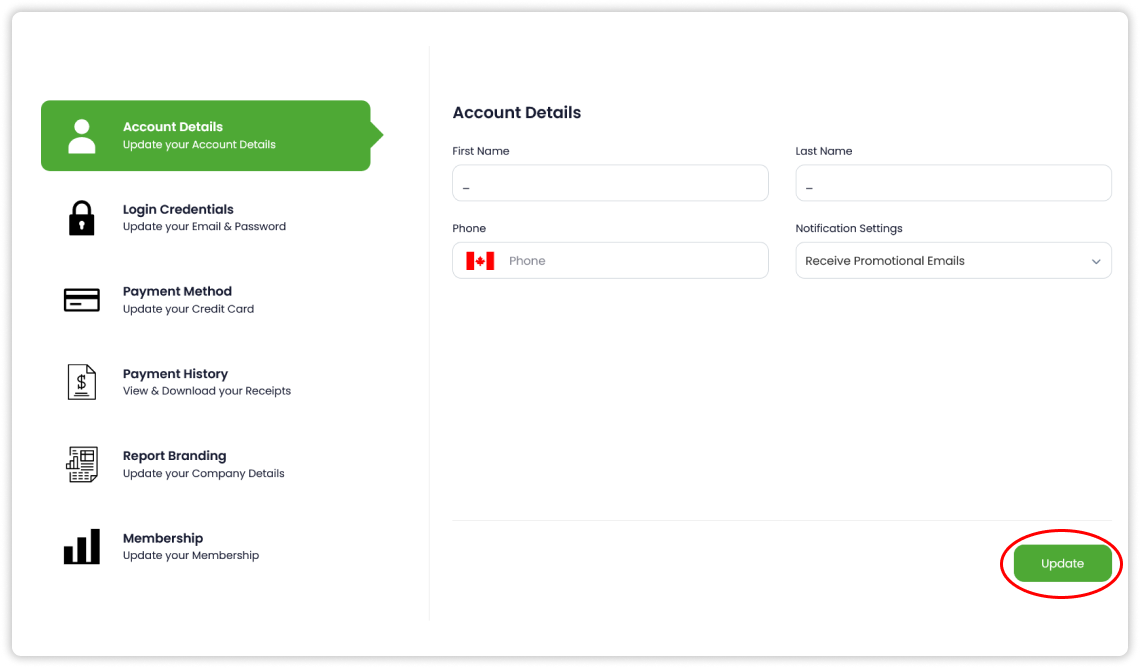
Update Account Details
You can update your account information including your name, phone number and notification settings within Account Details.
Update your Account Details
Follow the below steps to update your Account Details:
- Press the
Account Detailstab within settings - Update the desired field(s) - First Name, Last Name, Phone and/or Notification Settings
- Press
Update
Note that no changes will be saved unless you press Update.